Image to STL for 3D printing

To turn an image into an STL, upload a photo of one object (or up to 4 photos from different angles). The studio builds a 3D model, and the viewer exports it as an STL file right in your browser, ready to open in your slicer. You can also download the textured GLB or an OBJ.

Last updated:

One object on a plain background works best. Add more sides for a better back.

Quality
Model
TRELLIS
Cost
91 credits
Files
GLB · OBJ · STL
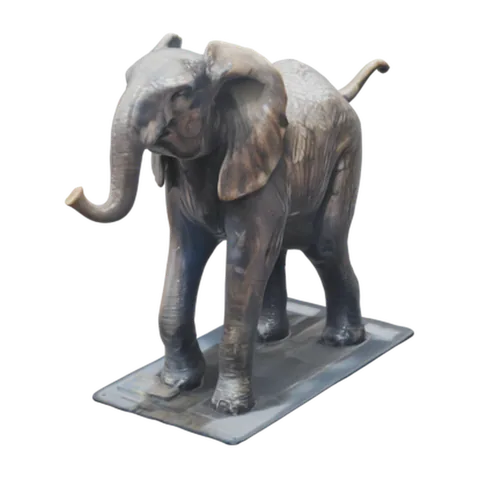
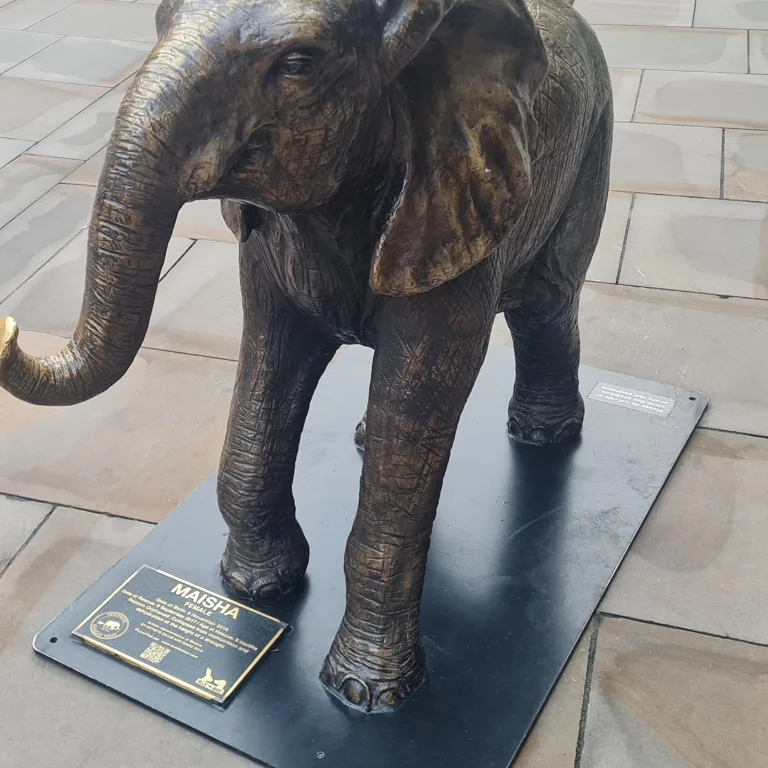
3D model of a bronze elephant statue on its base, built from four phone photosPhotos · Pro

Made from

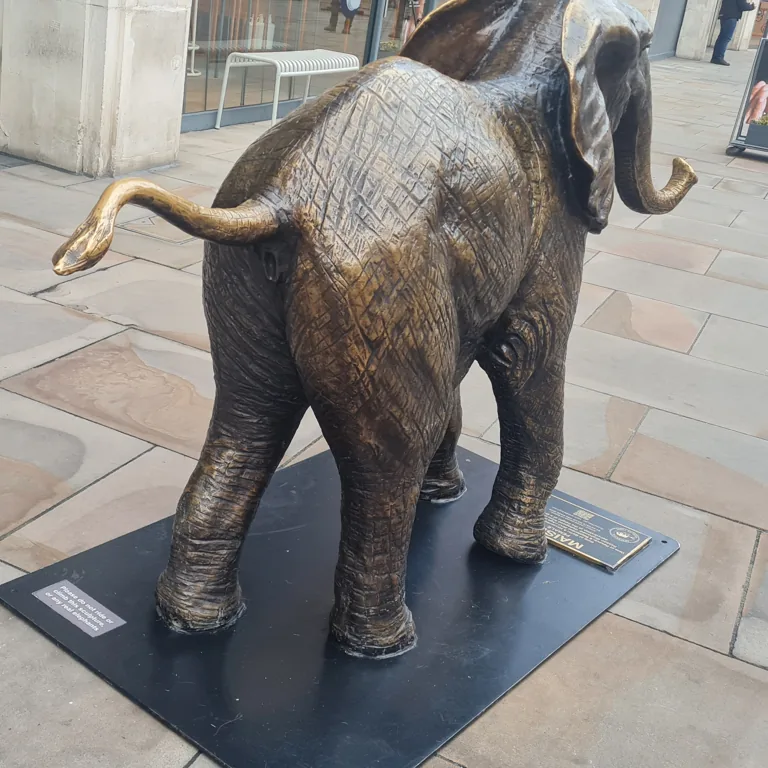
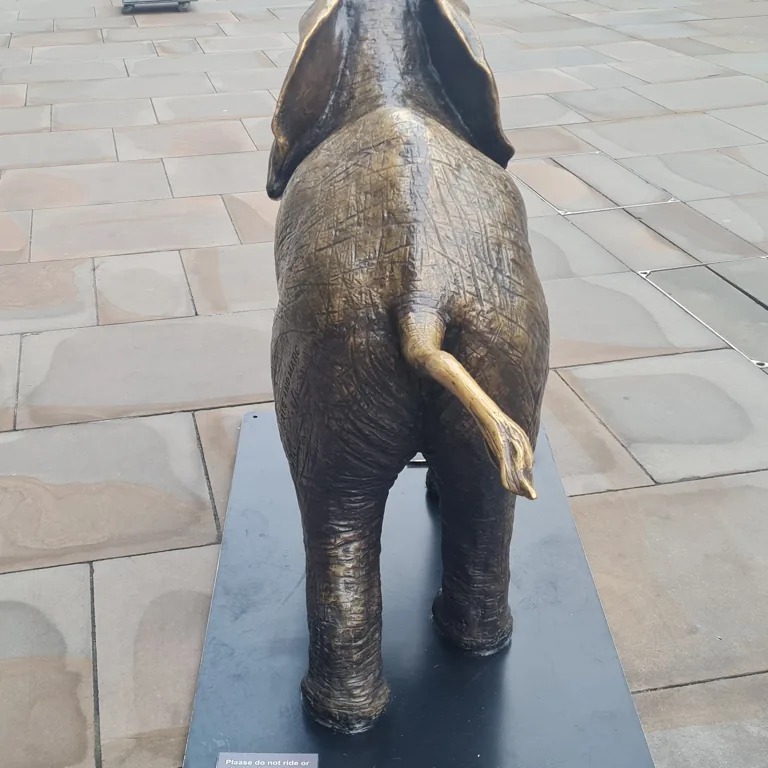
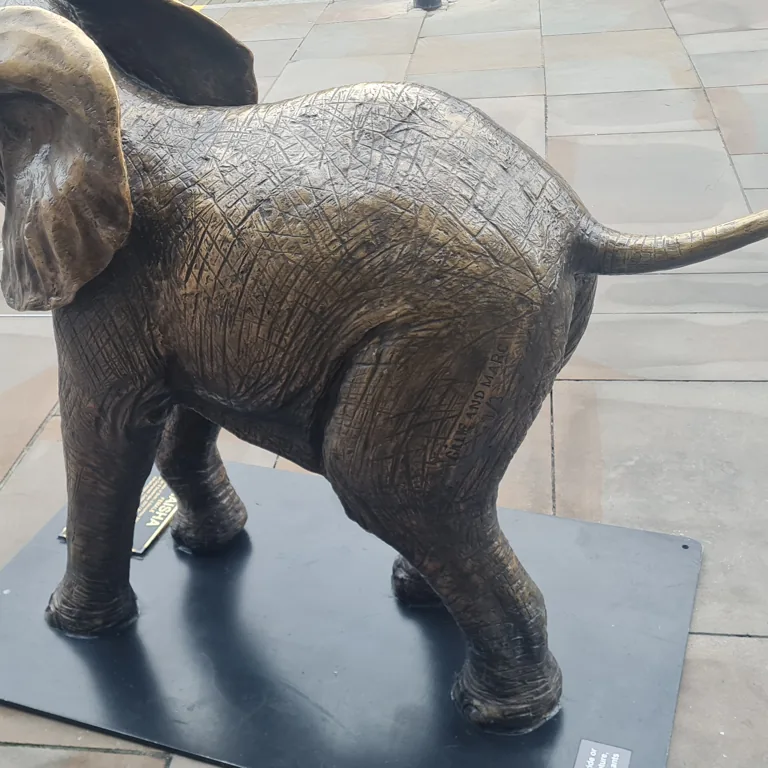
3D model of a bronze elephant statue on its base, built from four phone photos: View 1 of your object3D model of a bronze elephant statue on its base, built from four phone photos: View 2 of your object3D model of a bronze elephant statue on its base, built from four phone photos: View 3 of your object3D model of a bronze elephant statue on its base, built from four phone photos: View 4 of your object
GLB
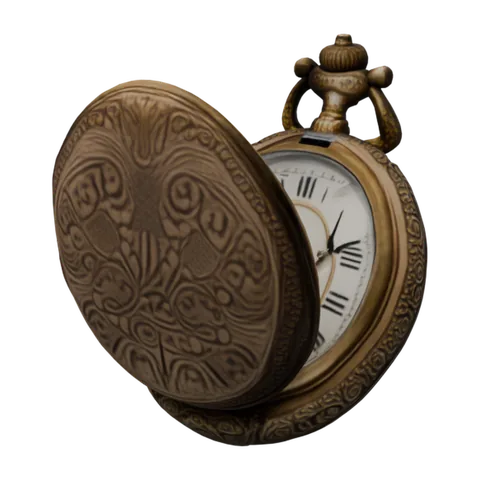
3D model of a vintage brass pocket watch with its engraved lid openText · Standard

Made from

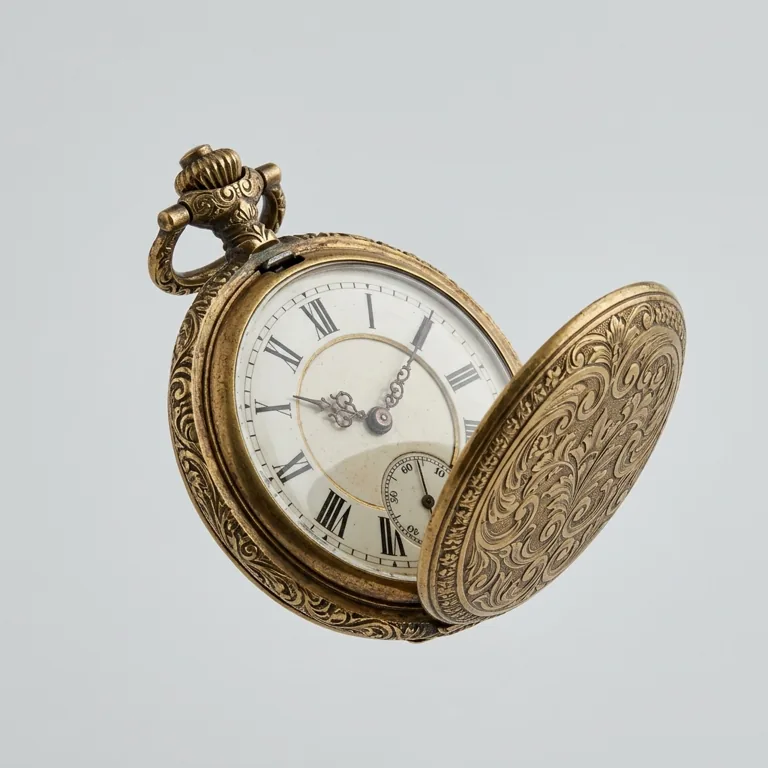
“vintage brass pocket watch with its lid open, ornate engraving”

3D model of a vintage brass pocket watch with its engraved lid open: View 1 of your object
GLB
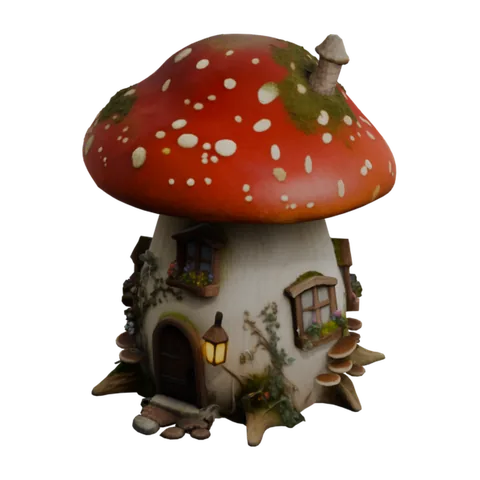
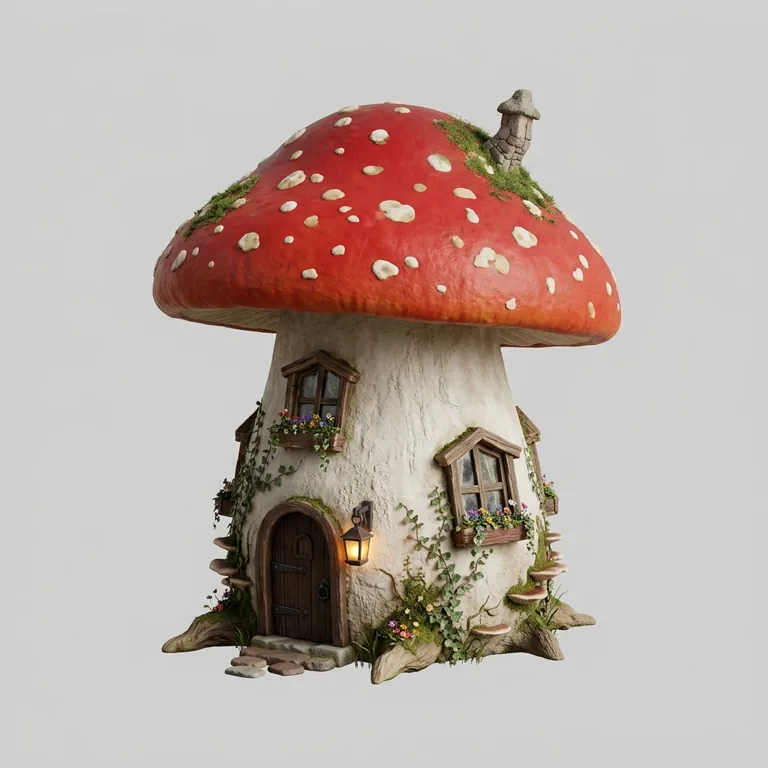
3D model of a mushroom cottage with a red spotted cap, a small door and windowsText · Standard

Made from

“whimsical mushroom cottage with a red spotted cap, a tiny door and windows”

3D model of a mushroom cottage with a red spotted cap, a small door and windows: View 1 of your object
GLB

Good for

  • Figurines, ornaments and small decorative objects
  • Replacement knobs, caps and simple household parts as a starting shape
  • Turning a sketch or a toy into a printable model
  • Gifts and desk pieces from a photo of a real object

How to use it

  1. 01

    Upload a photo

    JPG, PNG or WebP of one object on a plain background. Add up to 4 angles of the same object for a better back side.

  2. 02

    Build the model

    Pick Standard or Pro. The cost shows before you start; Standard usually takes about a minute.

  3. 03

    Export STL

    Spin the model, then press Export STL. The file is made in your browser, so the export itself is free.

An AI STL generator, not a lithophane

Some image-to-STL tools turn a picture into a flat relief or lithophane. This AI STL generator does something else: it reconstructs the object in the photo as a full 3D shape you can print from any side. If you want a relief of a flat image, a lithophane tool is the better choice.

What to check before printing

AI models arrive at an arbitrary size, so scale the STL in your slicer first. STL holds shape only, without colour. Check that the base is flat, add supports for overhangs, and hollow large models to save material. Our blog post on preparing an AI model for printing walks through each step.

What it costs

Any object costs the same. Standard from a description includes its reference picture. The viewer and the OBJ and STL export are free. See credit packs

Credits per 3D model by input and quality
Quality and modelMade fromCredits
StandardTRELLISVideo91
Photos91
Description106
ProRodin Gen-2Video361
Photos361
Description361

Questions

Is the STL export free?

Yes. Building the model uses credits, and the cost shows before you start. Exporting STL or OBJ runs in your browser at no extra cost.

Is the STL ready to print?

Usually it slices fine, but scale it to the size you want, check the base and add supports in your slicer. Thin parts may need thickening.

Does the STL keep the colours?

No. STL stores shape only. For colour, download the GLB or OBJ, which keep the texture.

Can I print parts that are not mine to copy?

Only print objects you have the right to reproduce. Trademarked characters and franchise figures you have no rights to are not allowed, and neither are weapons or weapon parts.