
Turnform Blog
Practical guides to image and video to 3D: filming objects, choosing file formats and preparing AI models for 3D printing.
Latest guide
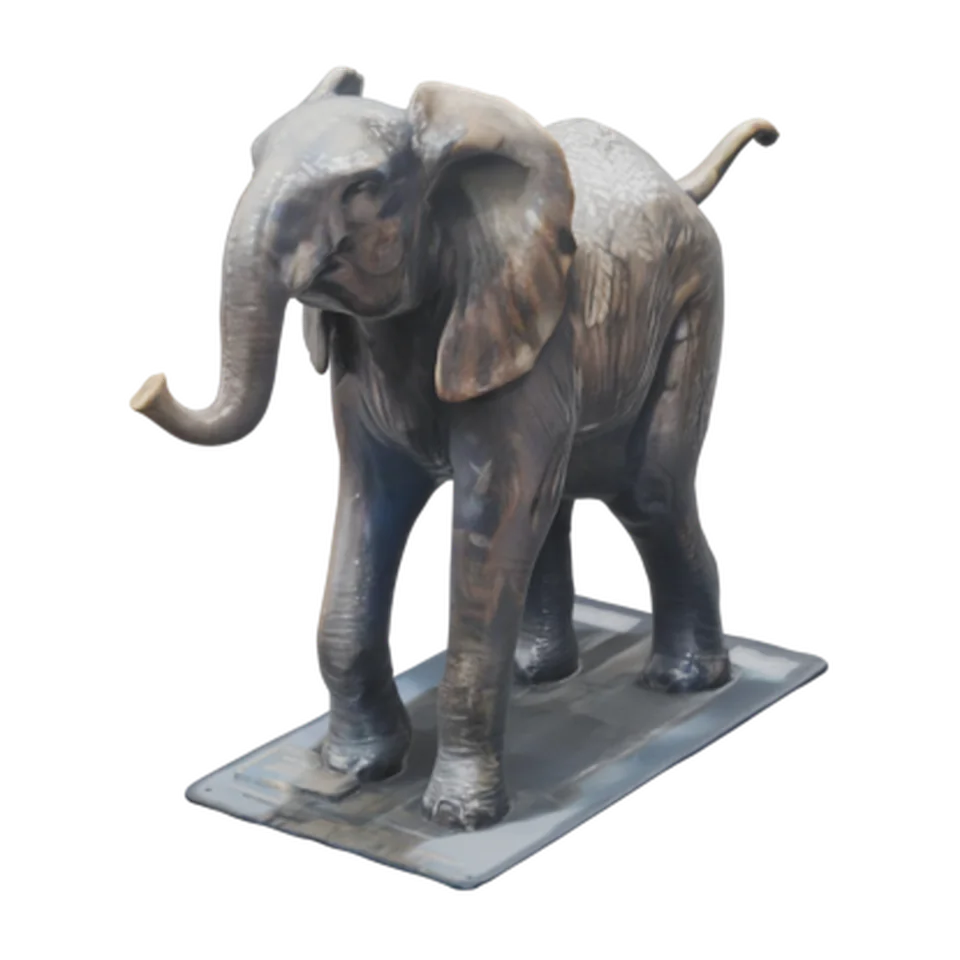
Nov 25, 2026
How to Film an Object for Video-to-3D: Light and Motion
A short, steady walk-around clip in soft light gives the best video-to-3D model. How to set up, light the object, move the camera and avoid blur.
Read the guideBrowse by problem
Latest guides
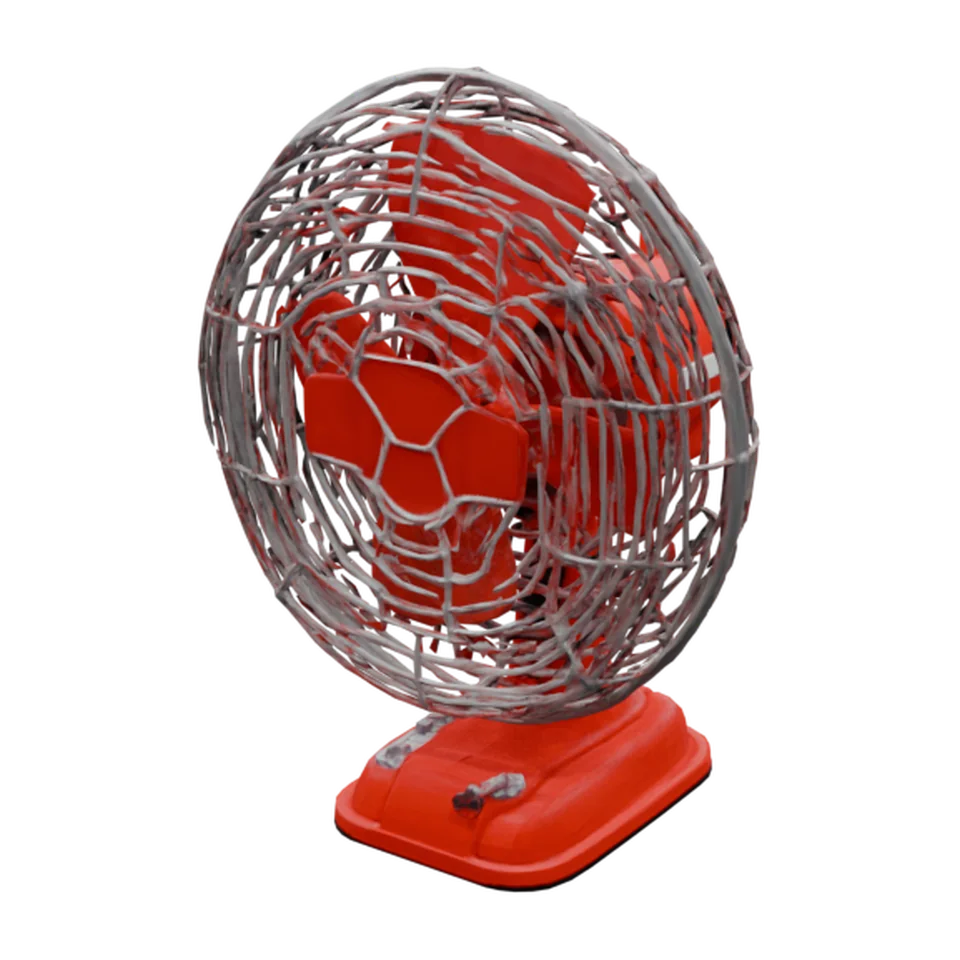
GLB vs OBJ vs STL: Which File Do You Need?
GLB for the web, AR and game engines, OBJ for editing in 3D software, STL for 3D printing. What each format stores, what it drops, and how to pick one.
Nov 25, 2026

How to Prepare an AI 3D Model for 3D Printing
Before you print an AI-made 3D model: export STL, set the real size, repair the mesh, check wall thickness, hollow it for resin and add supports.
Nov 25, 2026
Try it on your own object
Upload a photo or a short clip, pick Standard or Pro and see the cost before you start.